A workstream carries the environment with it.
Polystro treats the workstream as the core unit, not only the repo or the chat session. That is why previews, terminals, services, browser partitions, and isolated agent workspaces can move together instead of drifting apart.
The Workstream Is The Unit
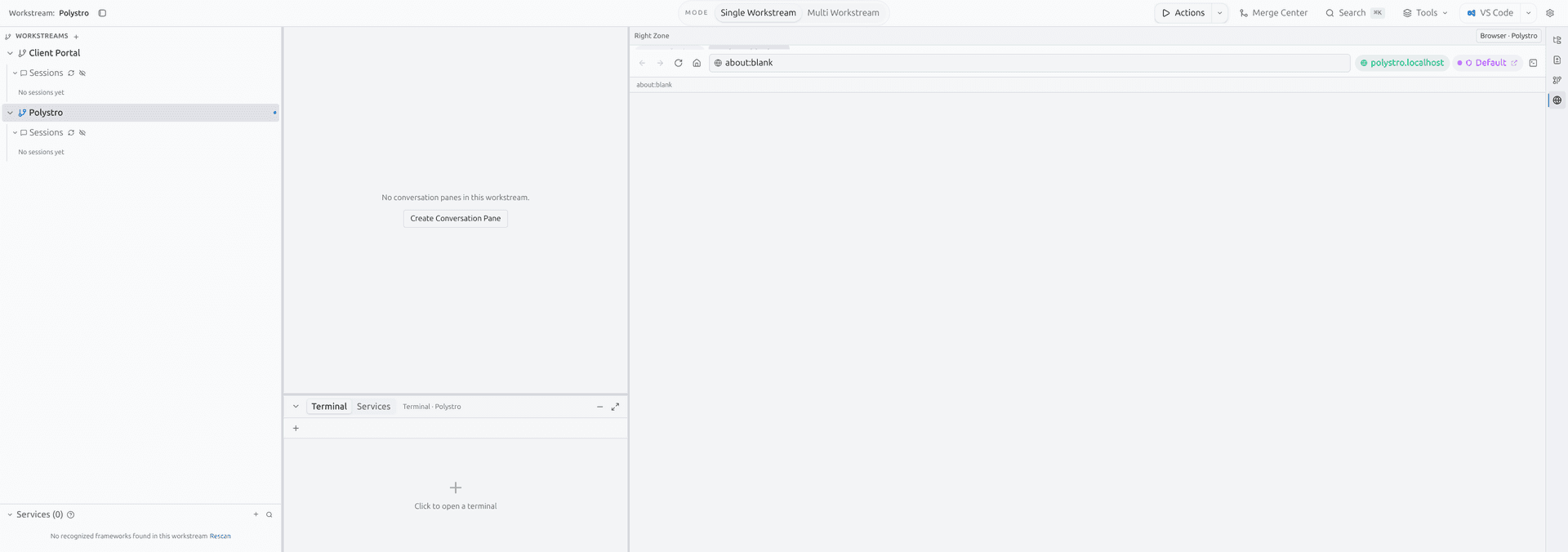
A workstream starts with a repository, but it does not stop there. Once opened, Polystro attaches the active sessions, service runtime, preview routing, terminal state, and browser identity context to that workstream.
This is why switching workstreams is different from switching tabs in a browser or editor. You are switching the surrounding execution environment as well, not only the visible file tree.
Sessions belong to a workstream
Conversation history, stored sessions, and active agent tabs are all scoped to the current workstream.
Services belong to a workstream
Detected services and their launch targets are tied to the workstream repo and runtime target.
Browser state belongs to a workstream
Integrated browser partitions and identities are stored per workstream instead of leaking globally.
Review belongs to a workstream
Diff review, merge prep, and reviewer agents operate against isolated workspaces connected to the workstream.
Stable Hostnames and Routing
Polystro creates stable local hostnames for the workstream and the services inside it. Instead of telling you to remember whichever port a frontend or API landed on today, the app routes traffic through a gateway and keeps the workstream hostname stable.
That routing layer is also why previews can survive local port conflicts more gracefully. The gateway can move the backing port while preserving the same workstream-facing hostname your browser and tools already know.
What users notice
Browser Identity Modes
The integrated browser supports several identity policies because different workflows need different tradeoffs.
Mirror
Reuse the default browser session when you want the workstream to behave like your main desktop browser context.
Isolate
Keep the workstream in its own persistent browser partition so cookies and auth stay separate.
Hybrid
Use a dedicated partition, but selectively preserve common sign-in behavior for supported providers.
Worktree Isolation
When agent work runs in isolation mode, Polystro creates or reuses a separate agent workspace derived from the main repo state. This is how multiple agents can operate in parallel without stomping on the same branch checkout.
In user terms, this means a reviewer, a fixer, and a feature-building agent can each have their own operating context while still staying anchored to the same workstream and merge flow.
What this prevents
Why The Model Matters
Most of Polystro's features become easier to understand once you see them as consequences of the workstream model. Plan Mode, Ideation Center, Merge Center, scheduled runs, the local viewer, and even notifications all point back to the same core idea: keep the local environment coherent while multiple agents and tools are involved.